The one idea behind every rule
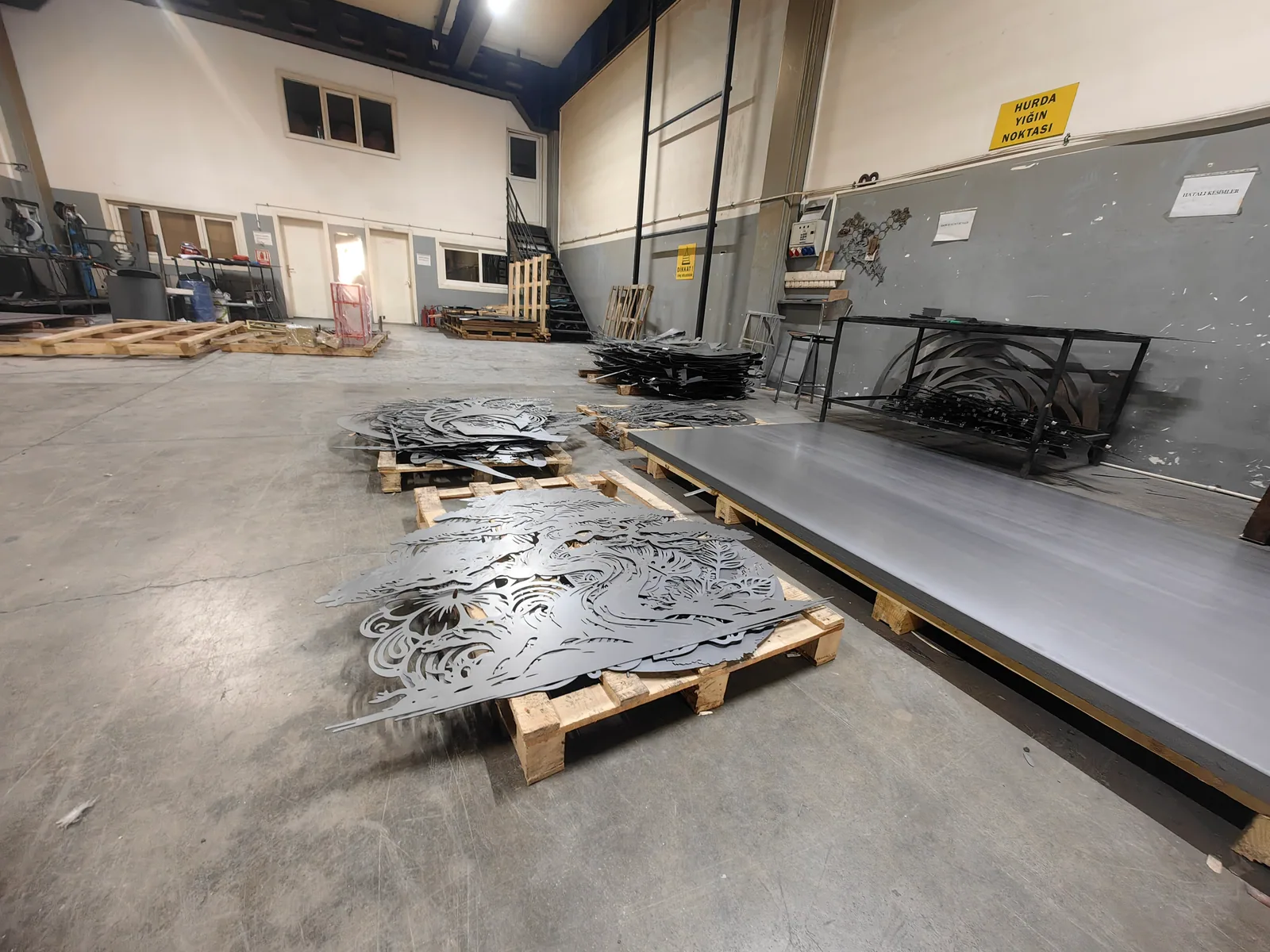
A cut design has to hold itself together as a single piece of steel. Everything below follows from that. The image is not a picture to be reproduced — it is an instruction for where to remove metal, and whatever is left has to survive being cut, coated, packed and hung.
This is why the same file can be perfectly producible at one size and impossible at another. Scale the design down and every line in it gets thinner in millimetres; at some point the thinnest line stops being steel and becomes a tear.
The thresholds we measure against
- Minimum metal
- Any solid line has to be at least 2.5 mm wide in production. The thinnest line in your artwork sets the smallest size the whole design can be made at.
- Minimum gap
- Any empty space between two pieces of metal has to be at least 1.8 mm. Tight cross-hatching and near-touching shapes fail here before the lines do.
- Free span
- The design-specific maximum size is reduced where an unsupported segment would exceed 1200 mm. Long thin spans sag.
- Detached pieces
- One to three pieces separated from the main body are removed automatically and you are shown a repair image. More than three is a rejection — the file needs revising.
- Fragility score
- A composite measure of how much of the design is thin and unsupported. Above the threshold the design goes to manual review rather than straight through.
- Mounting points
- Standoff screws are 4.5 mm across, so the metal at each mounting point needs to be a solid area of at least 6 mm — not a thin line and not a cut edge.
Preparing the file
- PNG or JPG on the upload screen. Transparent pixels are treated as empty space.
- Keep the long side at least 1800 px if you want larger sizes. A useful rule of thumb is roughly one pixel per millimetre of finished product.
- High contrast. The analysis needs to separate metal from empty space cleanly; a soft grey gradient does not describe a cut.
- No need to crop precisely. The engine finds the true bounding box of the metal and calculates the aspect ratio from that.
- If your file is a DXF already drawn at final production size, use the Scaled DXF route and enter its long and short sides for a single-size quote.
How to read the review image
When a design needs attention, the analysis returns your artwork with problem areas marked, so you can see exactly where to thicken a line or open a gap.
- Red
- Metal too thin at the size being evaluated.
- Blue
- Gaps too narrow.
- Yellow
- Pieces detached from the main body.
- Green
- Segments that are fragile — producible, but the weak points of the piece.
The analysis judges manufacturability and nothing else. It does not score whether a design is attractive, on trend, or likely to sell — that is your job and it is the part we are not qualified to do.
The five fixes that solve most rejections
- 01Thicken the thinnest line
Find the single thinnest element and widen it. It is usually one detail — a whisker, a serif, a wire — that is holding the whole minimum size hostage.
- 02Bridge floating parts
A dot over an i, an island inside a letter, a detached eye. Connect it to the body with a deliberate bridge instead of letting the engine delete it.
- 03Open up tight hatching
Dense parallel lines are the most common gap failure. Fewer, wider lines usually look better in steel anyway.
- 04Simplify at small sizes
If you want to sell a design small, design a small version. Detail that reads on a 120 cm piece disappears at 40 cm even when it can be cut.
- 05Plan the mounting points
Make sure there are solid areas where standoffs can bite, distributed sensibly rather than all along one edge.
Frequently asked
What file format should I upload?+
PNG or JPG for the standard flow. Use PNG with transparency where you can — it states the negative space unambiguously. A DXF already drawn at production size goes through the Scaled DXF route instead.
Can you convert a photograph into a cut design?+
Not as an automatic step. A photograph has to be reduced to a single-colour silhouette or line drawing by a designer before it can be cut. The analysis will tell you quickly if what you uploaded is not cuttable, but it will not do that conversion for you.
Does a more complicated design cost more?+
No. Cut path length and contour count do not enter the price at all. Production cost comes from outer dimensions and colour; shipping from destination and weight. An intricate design and a plain one at the same size cost the same.
Why is my minimum size so large?+
Because something in the file is very thin. The smallest size is derived from the thinnest element relative to the whole design — thicken that one detail and the minimum drops.
How much does an analysis cost?+
Nothing. It runs before any payment and you can upload and re-upload a file as you revise it.
The fastest way to know whether a design works in steel is to upload it. No payment is involved in the analysis.